I wanted coffee and a Sudoku. What I got were subscription offers, a location prompt and a pop-up promising me 100 gems. At some point it was clear: the app I was looking for, I'd have to build myself.
What set it off
I've been playing Sudoku for years. Finding a good app for it had started to feel like a puzzle in its own right, and sadly not the fun kind. There were apps that wanted a subscription for a number grid. An offline app that asked for my location. And, right in the middle of concentrating, flashing banners and "collect 100 gems" pop-ups.
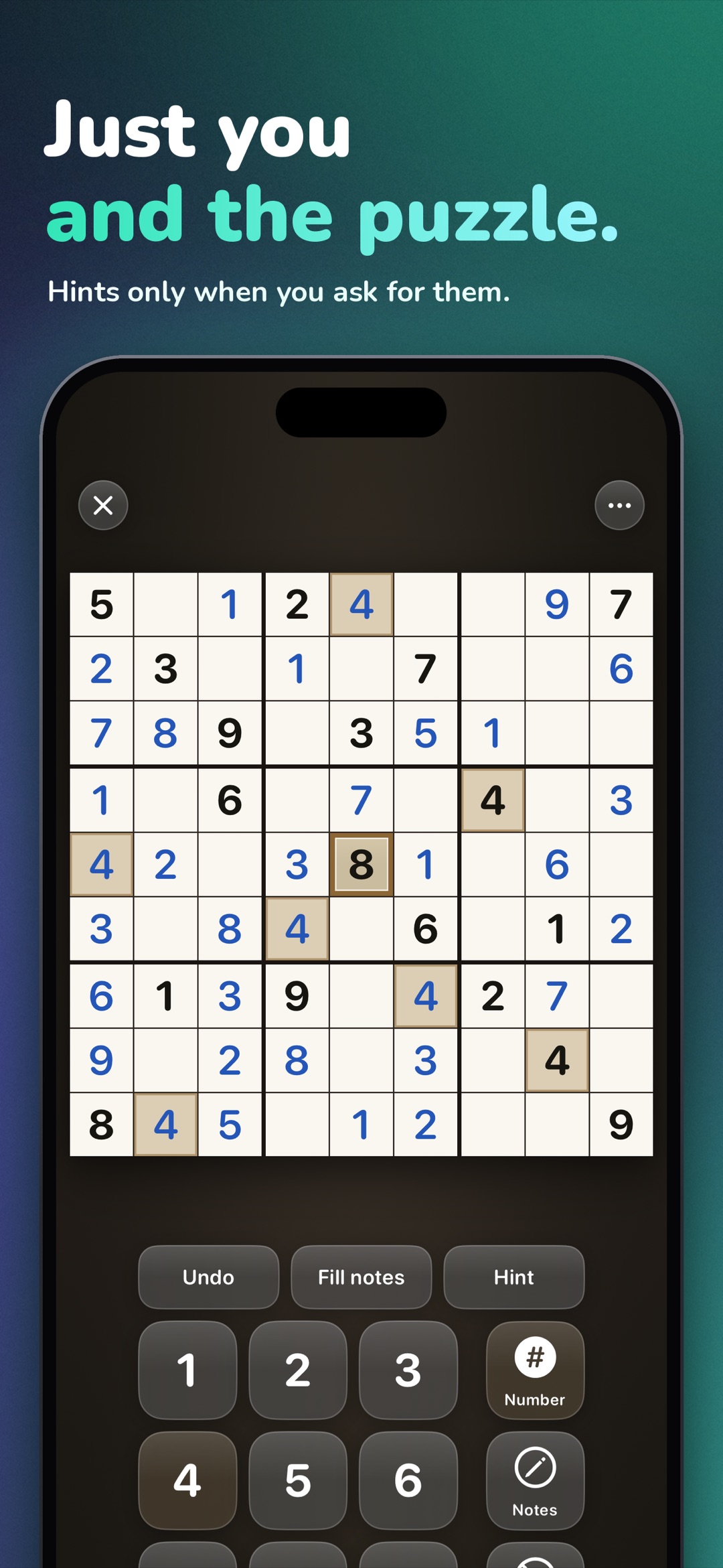
A Sudoku needs none of that. It needs a grid, notes, undo and quiet. So I started building, at first just for myself.
What I deliberately left out
With an app like this, the list of omissions is almost more interesting than the list of features.
No leaderboards. Sudoku is not a competition against strangers. The statistics in the app compare exactly one person with themselves: best times and win rate per grid size and difficulty. Whether someone somewhere was faster doesn't matter, and the app doesn't need to know.
No reward loops. No gems, no collectible currency, no pop-ups that reward you for opening the app instead of solving. Whoever starts the app wants a puzzle. Everything else gets in the way.
No account, no ads, no tracking. The app works entirely offline, and solved games stay on the device. Your location is none of the app's business, so it doesn't ask.
No canned puzzles. Instead of shipping ready-made puzzle packs, the app generates every puzzle fresh on the device, from 4x4 up to Samurai on the iPad, and each one has exactly one solution.
Two things I deliberately did put in. First, the small grids: 4x4 and 6x6 aren't kid stuff but the same logical core in a smaller shape. Along the way, they are also the best way to show children how Sudoku works without burying them under 81 cells. Second, VoiceOver: a logic puzzle doesn't depend on eyesight, so the entire app can be used with it. Both come down to the same point: the puzzle should be accessible to as many people as possible, not just to practiced eyes.
What took more work than you'd think
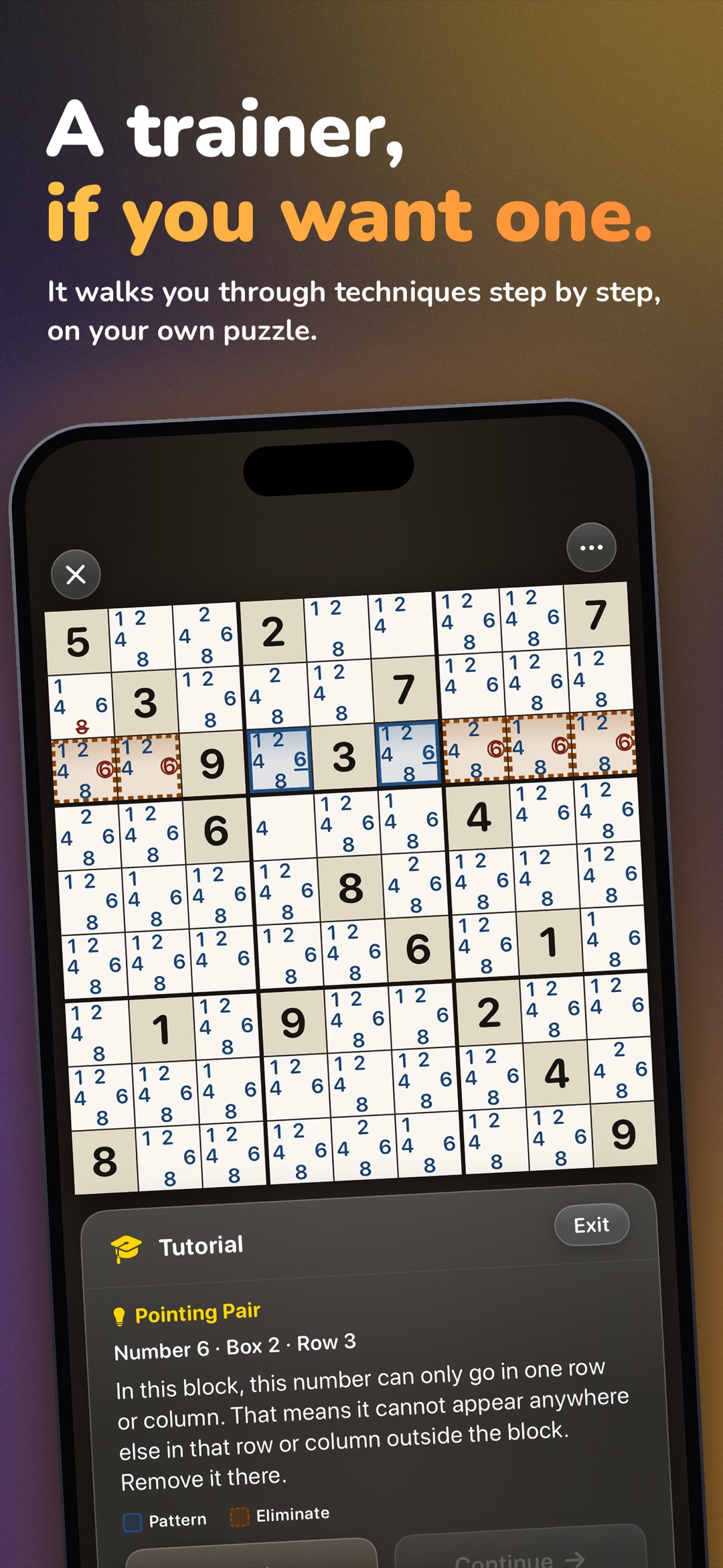
The hints. A hint that simply writes the right number into a cell is quick to build, because it peeks at the solution. A hint that is supposed to explain why a number belongs in a spot has to solve the grid the way a human does: with nameable techniques, from Hidden Single to X-Wing and Swordfish, found in the current game state rather than in the solution. Only on that foundation does the trainer work, which explains a technique move by move on your own grid.
With version 5 this has grown into a learning path: 20 techniques across four tiers. How to Play shows an example for every technique along with your progress, you can start a practice puzzle from there, and a hint can take you straight into the trainer if you want. If you only want to play, you never switch any of it on.
The generator is a similar story: "freshly generated and uniquely solvable" is a short sentence. Behind it sits the requirement that the app prove, for every single grid, that exactly one solution exists. Otherwise logic turns into guessing, and guessing was exactly what I wanted to get rid of.
Where it goes from here
Sudoku Pro: Puzzles & Trainer is now at version 5. That includes the learning path through 20 techniques, Killer Sudoku, a Samurai variant on the iPad and a newspaper edition with a front page of its own. My morning coffee has company again. What the app can do today and what it costs is on the product page. This post is the story behind it.
Full disclosure: Sudoku Pro: Puzzles & Trainer is my own app. This text is a look behind the scenes, not a neutral review. Features and purchase terms are on the product page.
Updated for version 5.