App
365 Lens: a Photo Challenge With One Prompt a Day
365 Lens is a photo challenge app for iPhone that I build on my own: one new photography prompt every day for a year, the same for everyone in the world. You shoot your own answer to it and build up a photo journal across 365 days along the way. It needs no account and no server, and your pictures stay on the device.
What it looks like
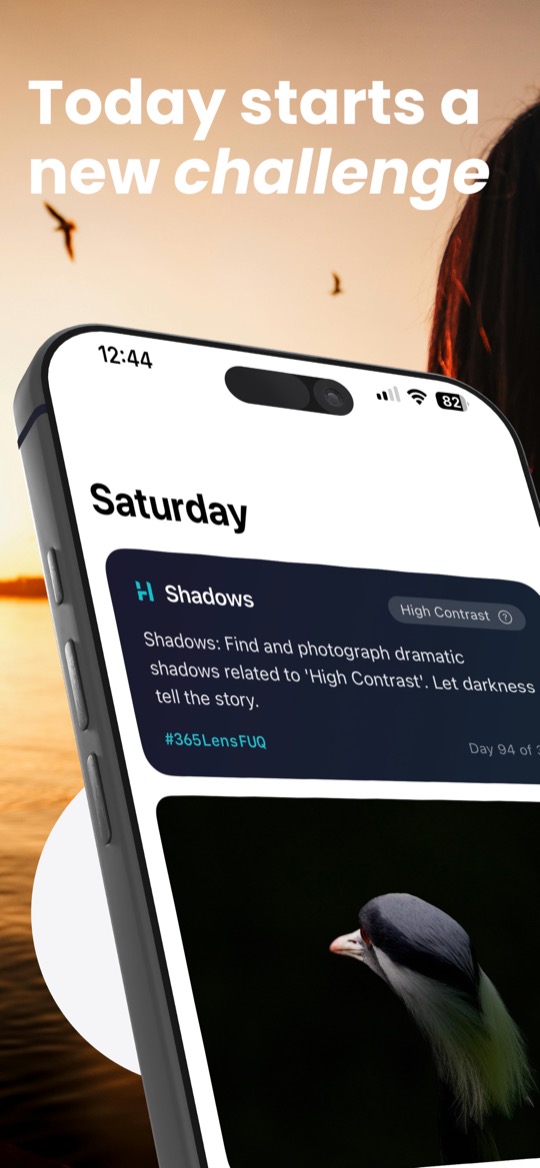
A photo challenge that starts fresh every day
Every prompt has two parts. Seven categories take turns from day to day: Minimalism, Shadows, Bokeh, Urban, Macro, Daily Life and Perspective. On top of that sits a weekly theme, and there are 52 of them, from Primary Colors and Geometric Shapes through Glass to Fast Motion. Together they make a concrete assignment, such as finding dramatic shadows that fit the theme High Contrast, and letting darkness tell the story.
That is enough of a brief to keep you from staring at an empty viewfinder, and enough room for an idea of your own. Work through one of these every day for a year and you practise composition, light and timing on the side, without signing up for a course.
The same prompt worldwide, no server needed
Everyone using 365 Lens gets the same prompt on the same day. The app does not ask a server for it; it calculates the prompt from the date. That is why today's prompt arrives even offline, and nothing of yours has to leave the device for it.
Each prompt comes with its own hashtag. If you want to show a photo, share it through the iOS share sheet to the social network of your choice, and the hashtag is where other people's pictures on the same theme turn up, as long as they use it too. Whether and where you share is entirely up to you. There is no feed inside the app, no likes and no pressure to post.
Gallery, photo details and an album of its own
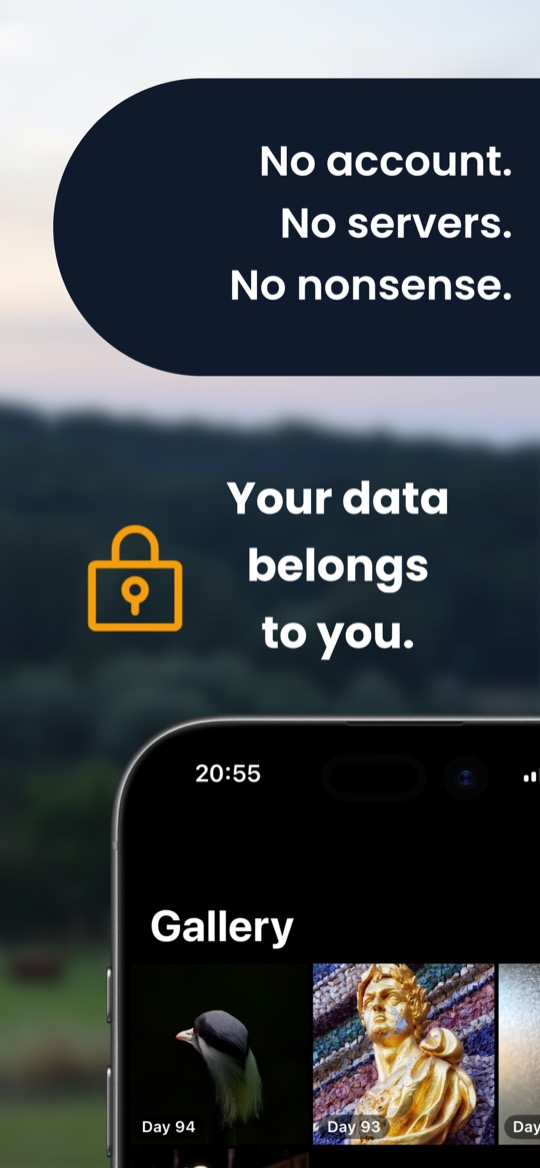
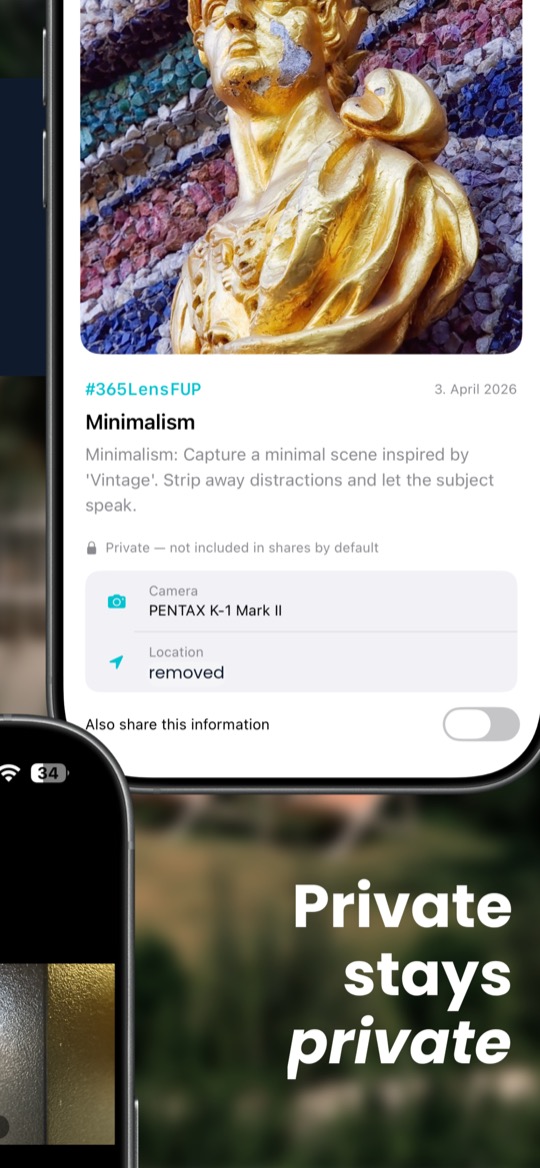
The gallery shows all your photos in order of their day. For every picture, 365 Lens reads the capture data and displays it: camera, lens, shooting parameters and, where available, the location.
If you want the pictures in the Photos app as well, switch on syncing to a dedicated album. That is optional; without it, the photos stay in the app.
Private stays private
A photo often gives away more than its subject, above all the place it was taken. That is why the capture data is left out by default when you share. If you do want to show camera and location, you switch that on deliberately for that one picture.
Everything is stored on the device. There is no account, no developer server, no tracking, no advertising and no AI-generated content.
A year as a grid of 365 dots
The Journey view shows the whole year at a glance: 365 dots, two weeks to a row, each one completed, missed, today or still ahead. Alongside it are your current streak and 18 achievements, for example for shooting during golden hour, within the first hour of the day, in several countries, or for a hundred completed challenges.
If you would like a reminder, switch on a daily notification. That is optional too.
From iPhone to DSLR
The prompts work just as well with the iPhone camera as with a big camera. You either shoot straight in the app, or the picture comes from your photo library, for instance after transferring shots from your camera to the iPhone.
I enjoy photography myself, mostly with a Pentax. Some of my pictures are under Photography, and how I develop RAW files without a subscription is in the post A RAW Workflow Without the Adobe Subscription.
Free, with an optional tip
365 Lens has no premium tier and no paywall. Every feature is open to everyone, and there are no ads.
If you want to support its development, you can leave a tip, once or as a small monthly amount. The monthly tip is an auto-renewable subscription that runs until you cancel it in your Apple Account settings. It is a thank-you and unlocks no features.
Frequently asked questions
Is 365 Lens free? Yes. Every feature works without a purchase. Tips are optional and unlock nothing.
Where are my photos stored? On your iPhone, inside the app. If you like, also in a dedicated album in the Photos app. There is no developer server.
Can I use photos from my camera? Yes. A picture can be taken from your photo library; it does not have to be shot in the app.
Which languages does 365 Lens support? English, German and French. You can choose the language in the app's settings.
Is there an iPad version? No, the app is built for iPhone.
Related
365 Lens: Photo Challenge is free on the App Store.