App
Plot Spark: Story Prompts From Three Dice
Plot Spark is a story prompt generator for iPhone and iPad that I build on my own. One roll gives you a protagonist, a setting and a twist, and that is the start of a story: for a novel, a short story, a screenplay or your next night at the tabletop RPG table. Pick a genre kit, roll, keep what works and roll the rest again.
What it looks like
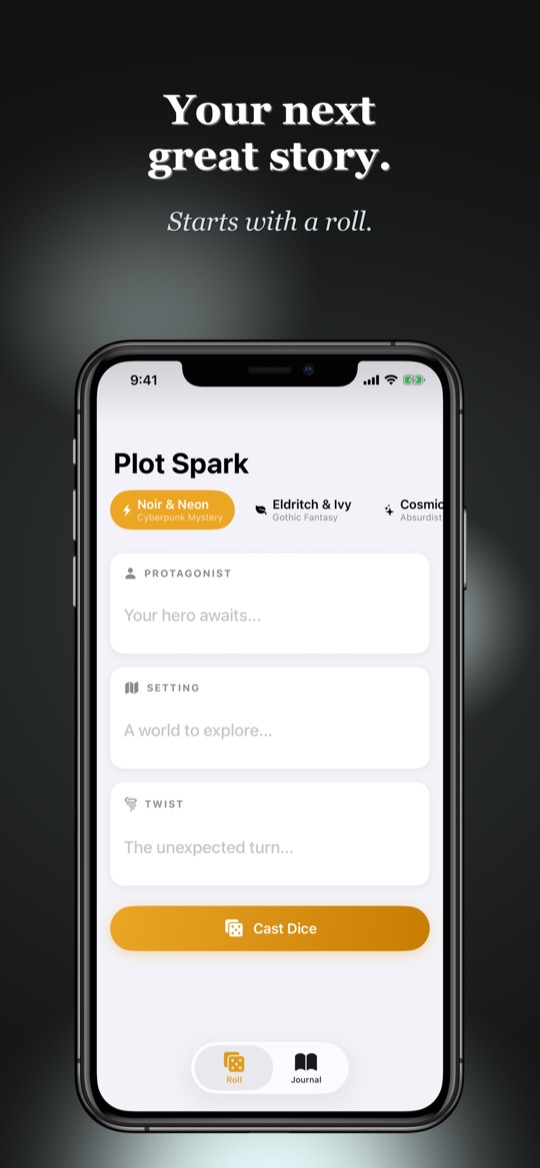
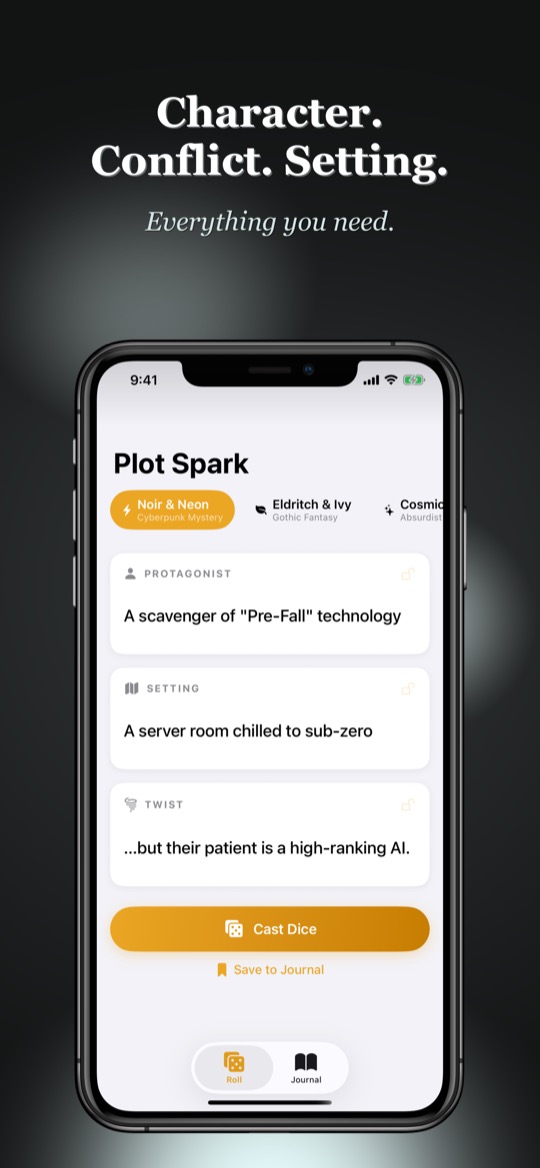
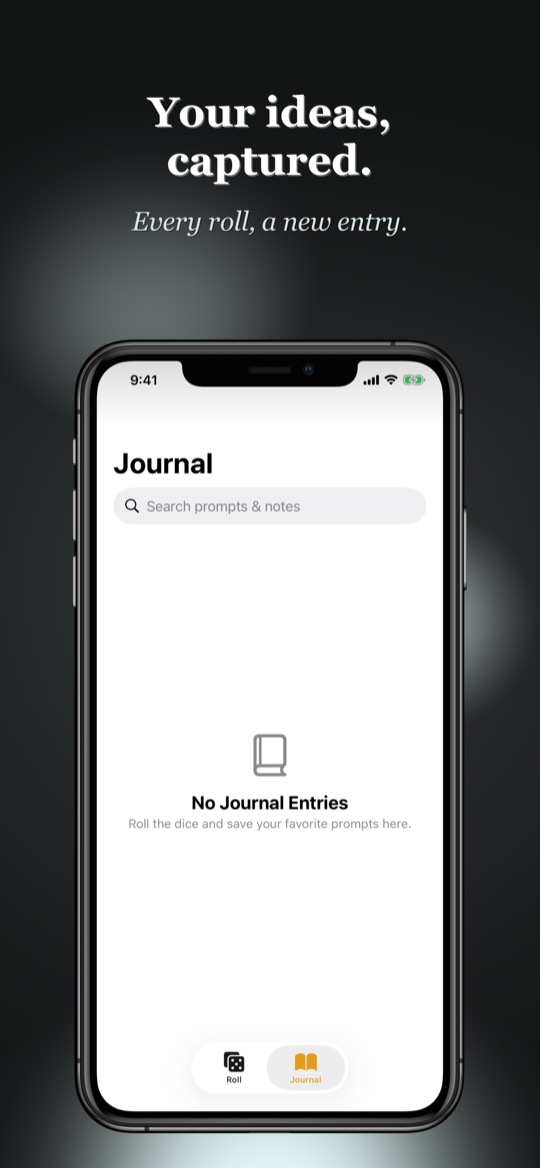
Story prompts against the blank page
Infinite possibilities rarely help when you write. Facing an empty page, you need a constraint your imagination can push against. Plot Spark gives you exactly three: who drives the story (Protagonist), where it happens (Setting), and what turns everything upside down (Twist).
You choose a kit, tap Cast Dice, and the three fields fill up. Sounds too simple? That is exactly the point. A prompt does not have to be finished; it only has to catch.
Roll, lock, roll again
If you like the character but not the place, lock the character's field and roll only the rest again. That way you can put a combination together piece by piece until it fits. A roll from the Noir & Neon kit might look like this: a scavenger of Pre-Fall technology, a server room chilled to sub-zero, and the twist that their patient is a high-ranking AI.
If you would rather see the result straight away, turn the roll animation off. The prompt is then there instantly.
Eleven genre kits
Every kit is a tone of its own, with its own characters, places and twists. Eleven come built in: Noir & Neon for cyberpunk mysteries, Eldritch & Ivy for gothic fantasy, Cosmic Comedy for absurdist science fiction, Dust & Desperados for the weird west, Myth & Iron for high fantasy and Espresso & Expresso for everyday awkwardness. Then there are Pixels & Polybius for a glitchy retro adventure, Sandals & Swords for ancient myth and marble, Blades & Buccaneers for the high seas, Files & Alibis for Cold War espionage and Beasts & Brass for Victorian expeditions into the hollow earth.
The building blocks are fixed in the app, and chance does the picking. No language model makes anything up.
Your own kits, your own ideas
When no built-in kit hits the right tone, build your own. A custom kit gets a name, and you fill each of the three fields with entries of your own. The result is a die for exactly the world you are writing in right now: the characters of your novel, the places of your campaign, the twists you have been saving for later.
The journal: keep the sparks
When a combination catches, save it with Save to Journal. It stays there with its kit and date, and you can add notes, develop the idea or simply let it sit until it is ready. Search covers prompts and notes alike, so an idea from months ago turns up again.
Markdown export and the road to a gamebook
Any entry can be exported as Markdown, one at a time or the whole journal at once, through the share sheet into the writing app of your choice. The file is plainly structured: kit, date, protagonist, setting, twist and your own notes.
Markdown is also the foundation of Story Weaver, my open language for gamebooks with choices, dice rolls and fights. If you want to turn a rolled prompt into a playable adventure, that gives you a start. Why I built that language is in Why I Built My Own Language for Gamebooks, and what a finished book plays like is shown by The Crypt Under the Thorn.
No subscription, no account, no network
You buy Plot Spark once, and after that it needs no internet connection, no login and no subscription. Your ideas stay on your device, and what you export is up to you.
Frequently asked questions
Who is Plot Spark for? Anyone who makes up stories: novelists, short story writers and screenwriters, tabletop RPG game masters, people designing a game or a gamebook. And anyone who just wants a nudge for the evening.
Does an AI write the prompts? No. The entries of each kit are fixed in the app, and chance picks among them.
How do I get my ideas out of the app? With the Markdown export in the journal, for a single entry or for all of them at once.
Can I write my own prompts? Yes. Create a custom kit and fill each of the three fields with your own entries.
Does Plot Spark run on iPad? Yes, on iPhone and iPad.
Related
Plot Spark is on the App Store as a one-time purchase, no subscription.