App
Sudoku Pro: Puzzles & Trainer
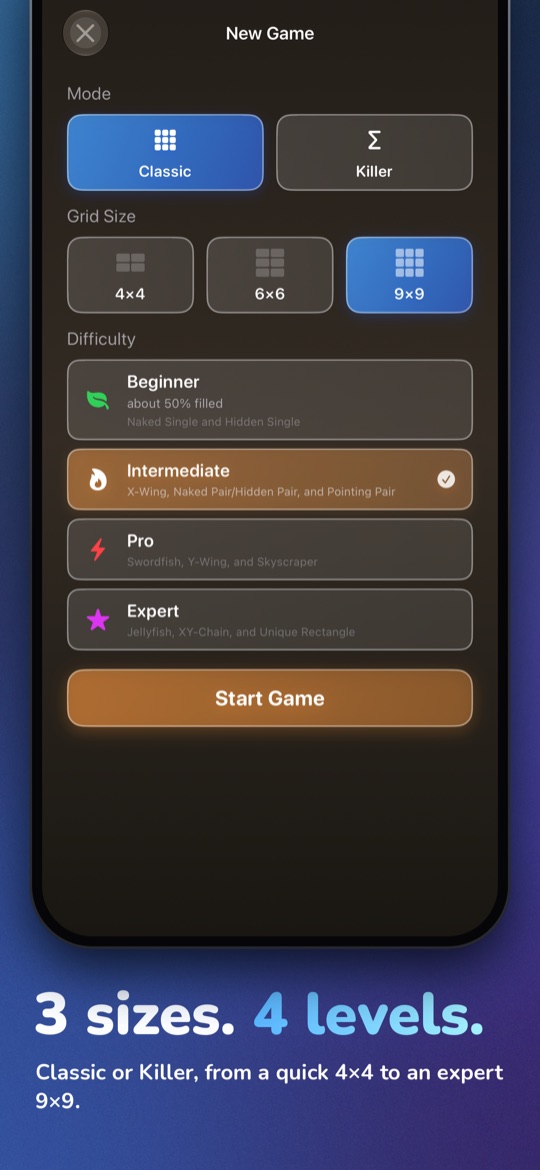
I've played Sudoku for years and spent long enough being annoyed by apps that try to sell me gems between two moves. So I built my own. Sudoku Pro: Puzzles & Trainer runs on iPhone and iPad and is made for anyone who wants to solve in peace, from a first 4x4 grid up to Expert 9x9. Version 4 brought Killer Sudoku, Samurai Sudoku, and a newspaper edition built for the iPad. Version 5 adds a learning path through 20 techniques, and How to Play gives each one an example, practice puzzles, and your progress so far.
What it looks like
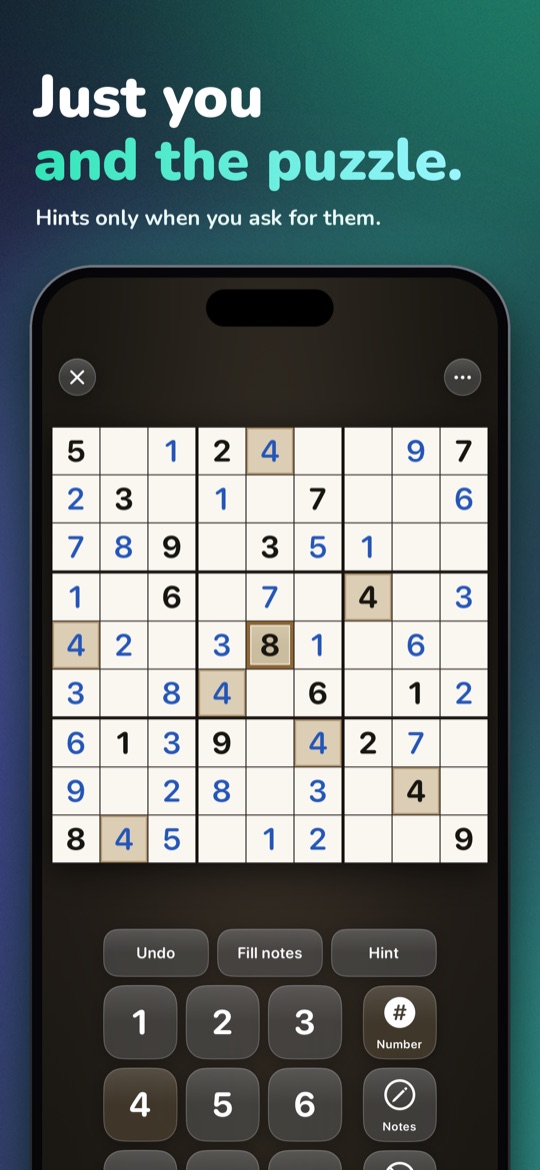
Hints that name a technique
Most apps simply reveal the next digit as a hint. That shrinks the puzzle, but nobody learns anything from it. Sudoku Pro names the technique that moves things forward instead, from Naked Single to XY-Chain, and shows it right on your own grid. Over time you understand why a digit belongs where it does, without having to guess.
A learning path through 20 techniques
With version 5, Sudoku Pro also teaches the game step by step. The learning path takes you through 20 techniques across four tiers, from Naked Single to XY-Chain. Seven of them are new for Pro and Expert, including Skyscraper, W-Wing and Unique Rectangle, and the puzzles at those tiers got tougher. If you only want to play, you never have to switch any of it on.
How to Play is where you see where you stand. It shows an example for every technique along with your progress: new, seen, practicing, mastered. From there you can start a practice puzzle for it: without that technique, only harder ones get you through. Solve three without any help or mistakes and the technique counts as mastered.
Hints come in two steps: first a nudge like “Look at row 3”, then, if you want it, the technique by name with its pattern drawn on the board. A hint can also take you straight into the trainer, which explains the technique move by move on your own grid. After a win, the puzzle profile lists the techniques the puzzle used, where you needed hints, and which technique to practice next.
Killer and Samurai
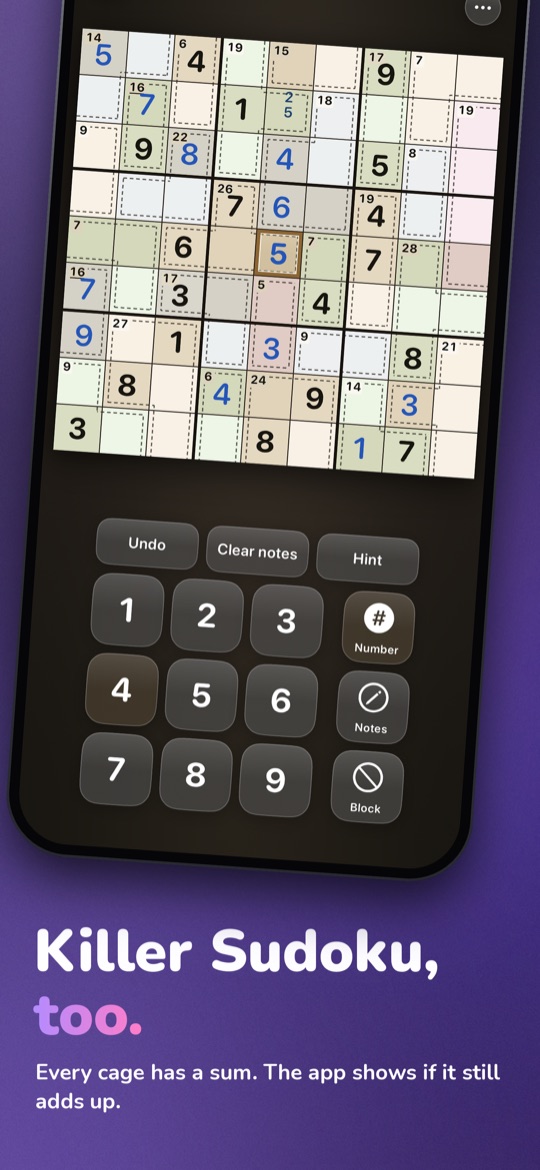
Killer Sudoku adds cages with sums: small numbers on each dashed group that its digits have to add up to. The app does the arithmetic alongside you and shows immediately whether a sum can still work out, so a slip surfaces while it is still a slip and not half the puzzle. Killer runs on iPhone and iPad, as a 6x6 to get started and as a full 9x9.
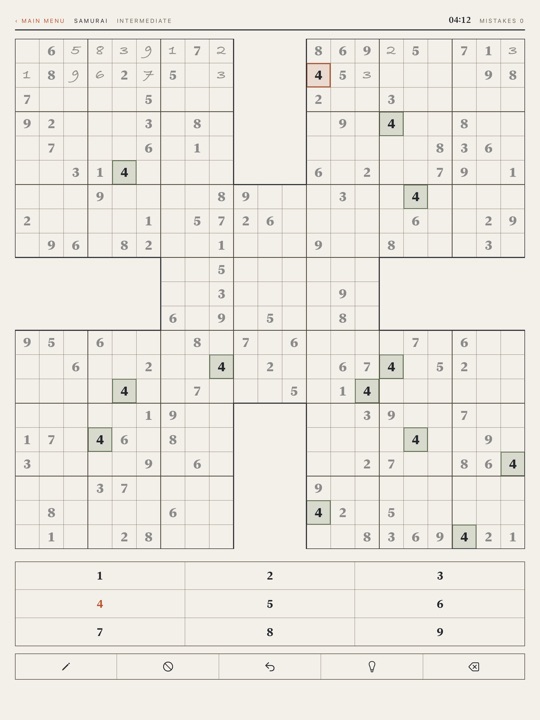
Samurai Sudoku is the large format: five overlapping 9x9 grids forming one frame of 21x21 cells. Where the grids overlap, a single digit counts in two puzzles at once. That needs surface area, which is why Samurai is iPad-only.
A newspaper edition for the iPad
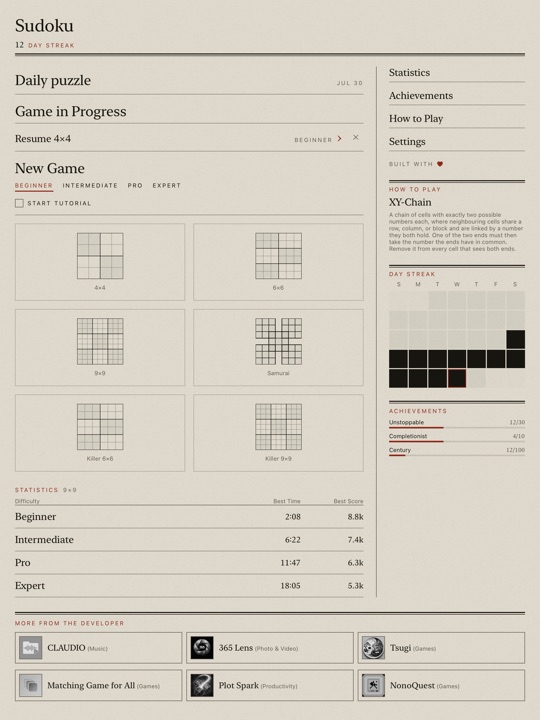
Since version 4, the iPad edition reads like a newspaper: a front page, an almanac, and typography of its own rather than an iPhone layout stretched to size. Anyone who prefers the familiar look can switch back to the classic layout at any time.
The front page also carries a column from How to Play: each day it explains a different technique, using the same explanations the trainer gives. How to Play itself is set as a newspaper page on the iPad, with an example board, your progress, and practice puzzles for every technique.
Pen mode comes with it: the keypad folds away and the board takes the space. Double-tap a cell or press and hold to open the number pad; a short tap places a note. Input is still touch, just without a keypad standing on the screen the whole time.
The newspaper edition, pen mode and Samurai Sudoku are iPad-only. The learning path, How to Play and Killer work on both devices, and the iPhone keeps its familiar layout.
Pay once, nothing leaves the device
The app costs something once and then never again: no subscription, no in-app purchases, no ads. I wanted my coffee and a Sudoku, not another recurring charge.
That's why everything runs offline. Every puzzle is generated right on the device, unique and guaranteed solvable. Saved games stay where they were made: on your iPhone or iPad. Nothing gets tracked.
Getting started with the trainer and small grids
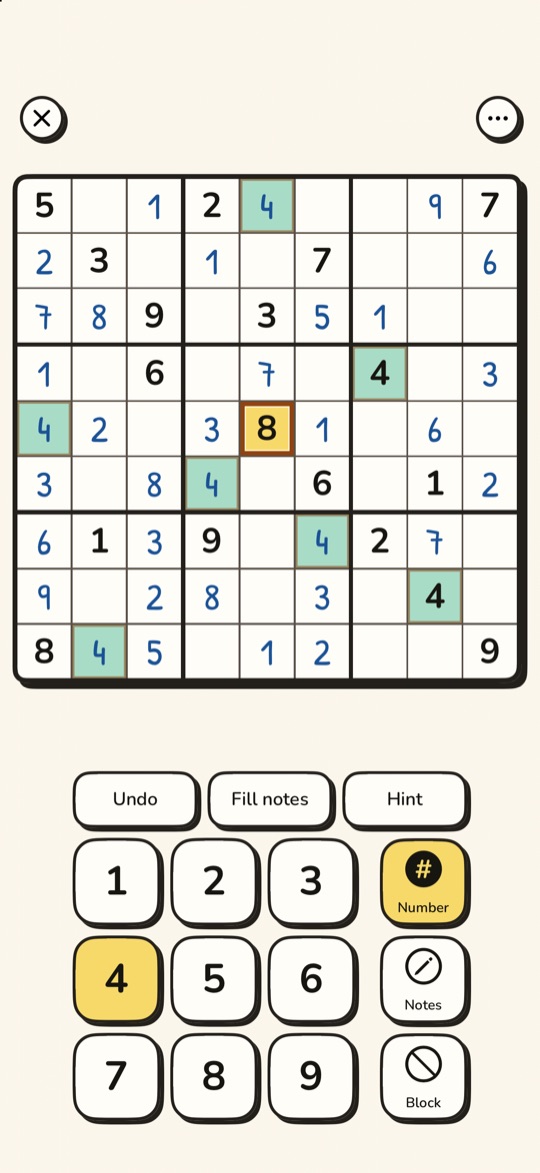
For a gentle start there are 4x4 and 6x6 grids. I built them so I could play with my kids, but they work for anyone just getting to know Sudoku. The trainer explains the logic on your current puzzle rather than a canned example. And if you'd like a taste before installing anything: there are 60 puzzles that run right in the browser.
Themes, achievements, and the rest
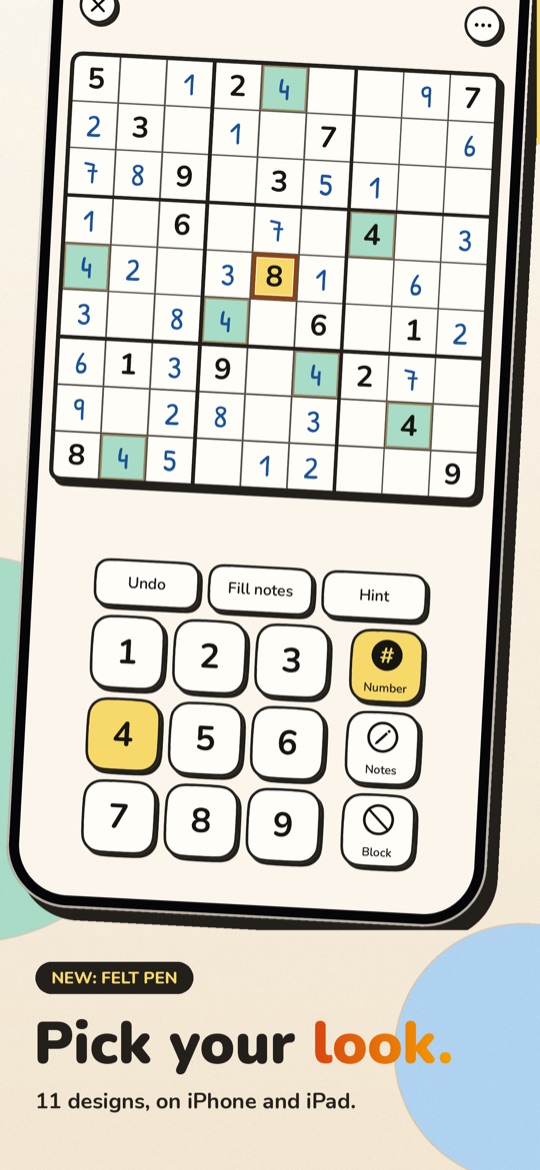
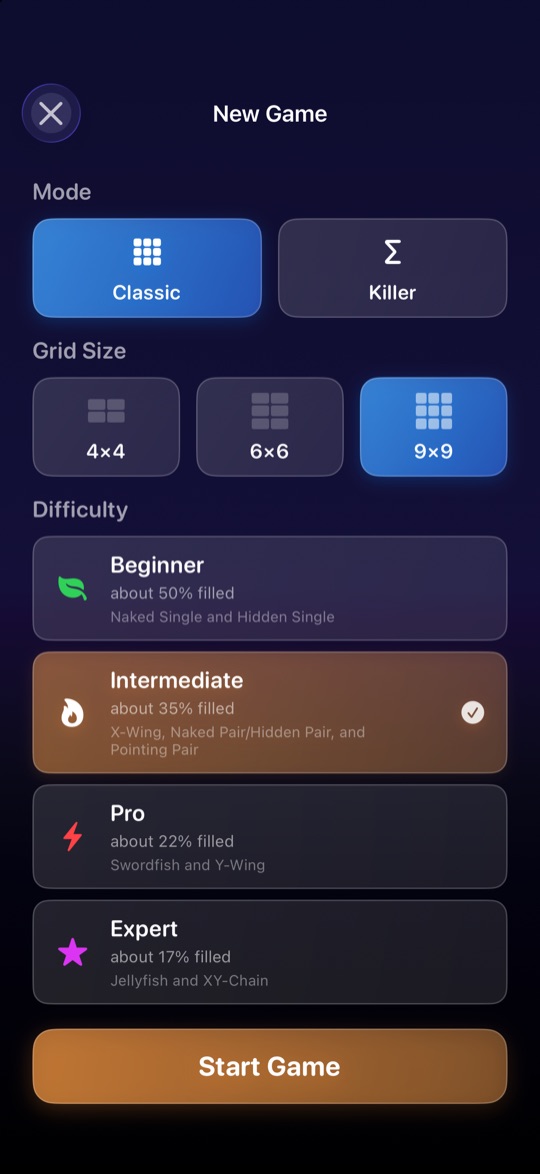
There are eleven themes, among them Newsprint and the hand-drawn Felt Pen, and the board comes with a light appearance as well. 15 achievements and your best streak live in the app itself, no sign-in required. The daily puzzle with its streak and calendar is still there, as are notes for the harder grids and the timelapse video of your solve.
Accessibility covers VoiceOver, Dynamic Type on the board, a high-contrast theme, haptic feedback that can be switched off, and a dot notation for notes. A daily reminder arrives at whatever time you choose. How the app came about is in the blog post; the rest of what I build is under Apps.
Related reading
Sudoku Pro: Puzzles & Trainer is on the App Store as a one-time purchase, no subscription.